
Wi-Fi Router Two
- In Stock
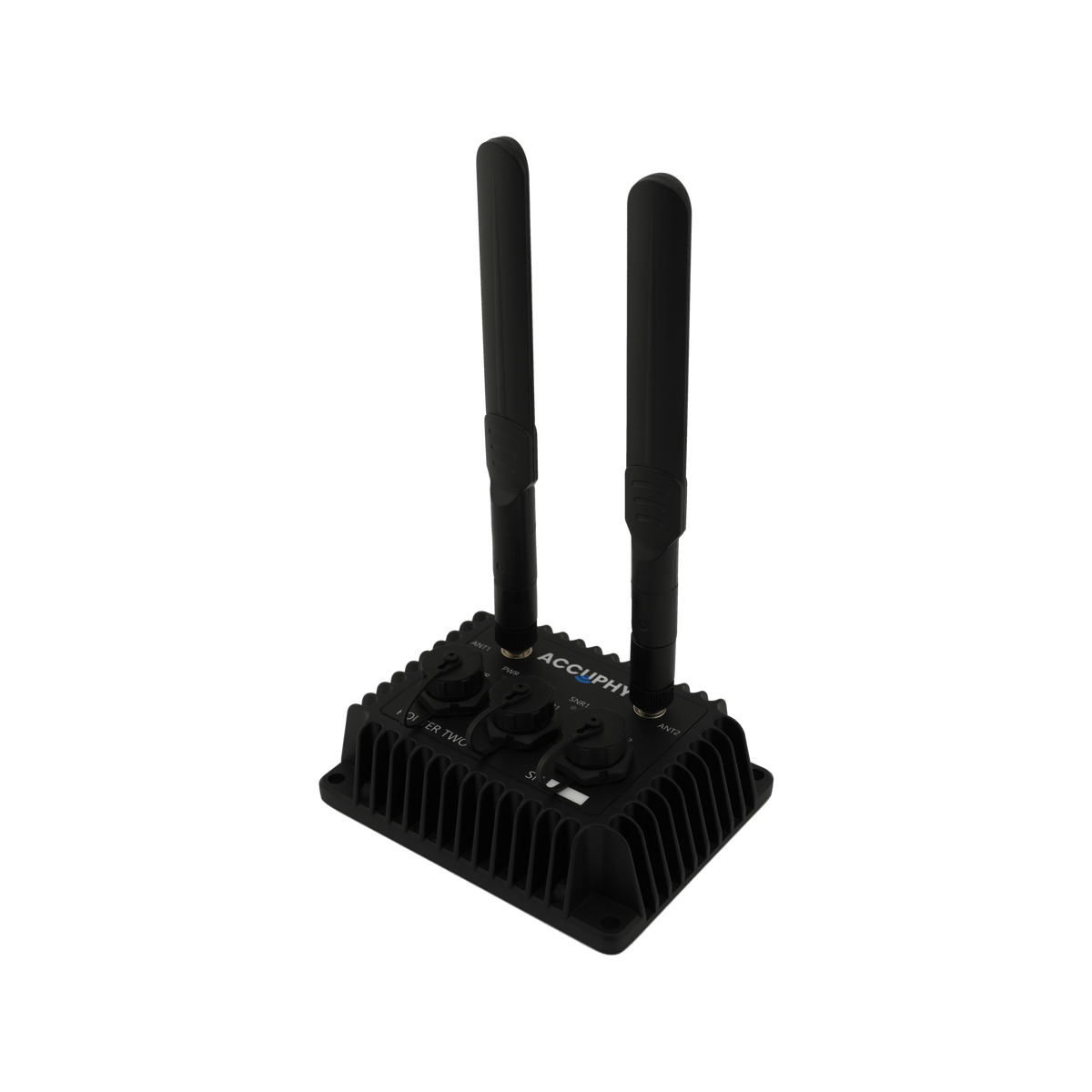
Get more from your Accuphy sonar setup with the Wi-Fi Router Two. Connect two transducers at once and bring their sonar perspectives together on a single screen.
Product Specifications
Router Two Specifications
Dimensions: 11 × 8.6 × 3.7 cm
(4.33 × 3.39 × 1.46 in)
Weight: 0.52 kg
(including power cable and antennas)
Temperature Range: −20 °C to 40 °C
Transducer Ports: 2
Power Input: 11–30 V DC
Power Usage: 3.5 W typical, 7 W max
Frequency: 5.8 GHz
Wi-Fi Modes: IEEE 802.11 n/ac
Wi-Fi Effective Range: 100 ft
*A power source capable of supplying at least 8 A output is required for optimal performance.
What's in the Box?
- Router Two (with two antennas)
- Power cable
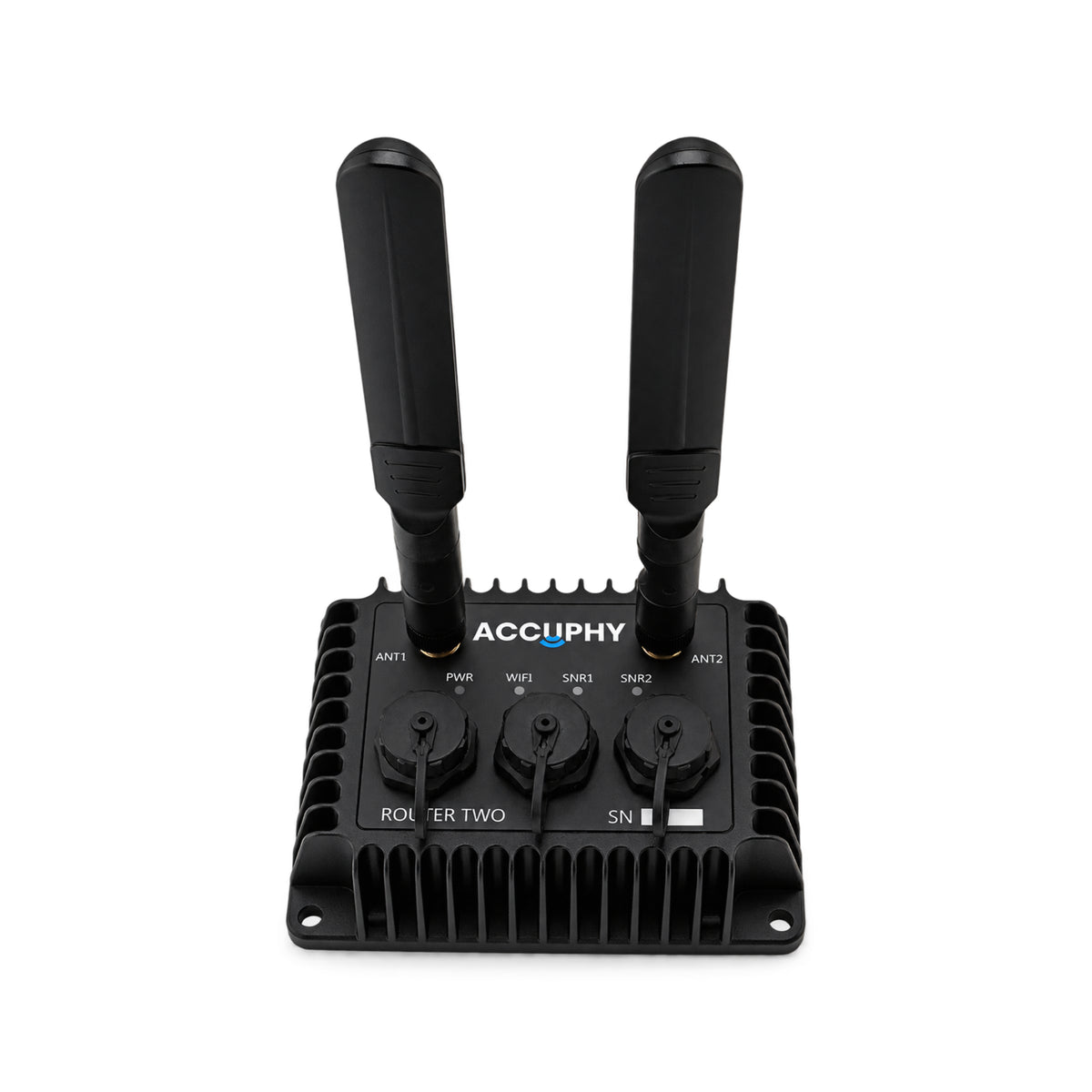
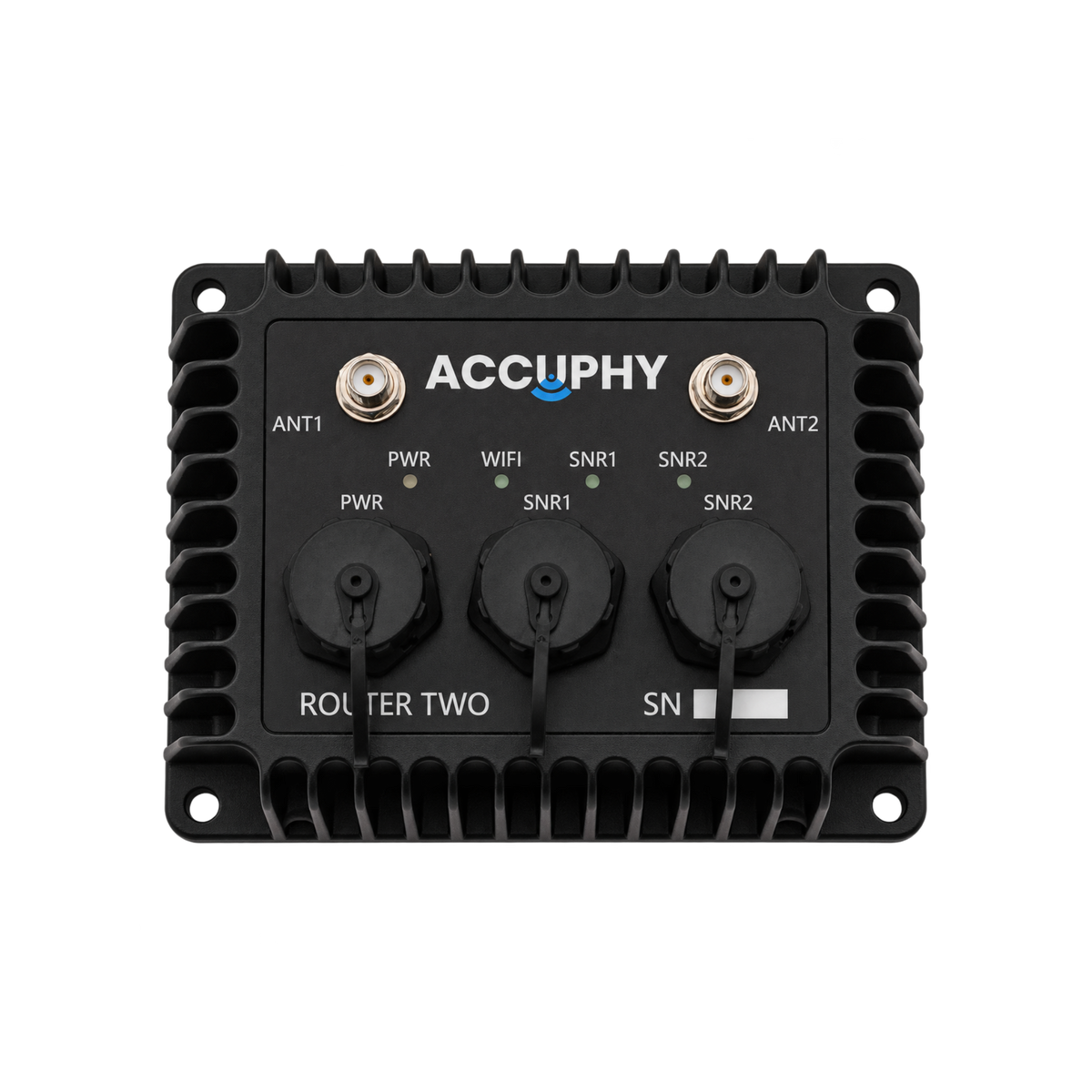
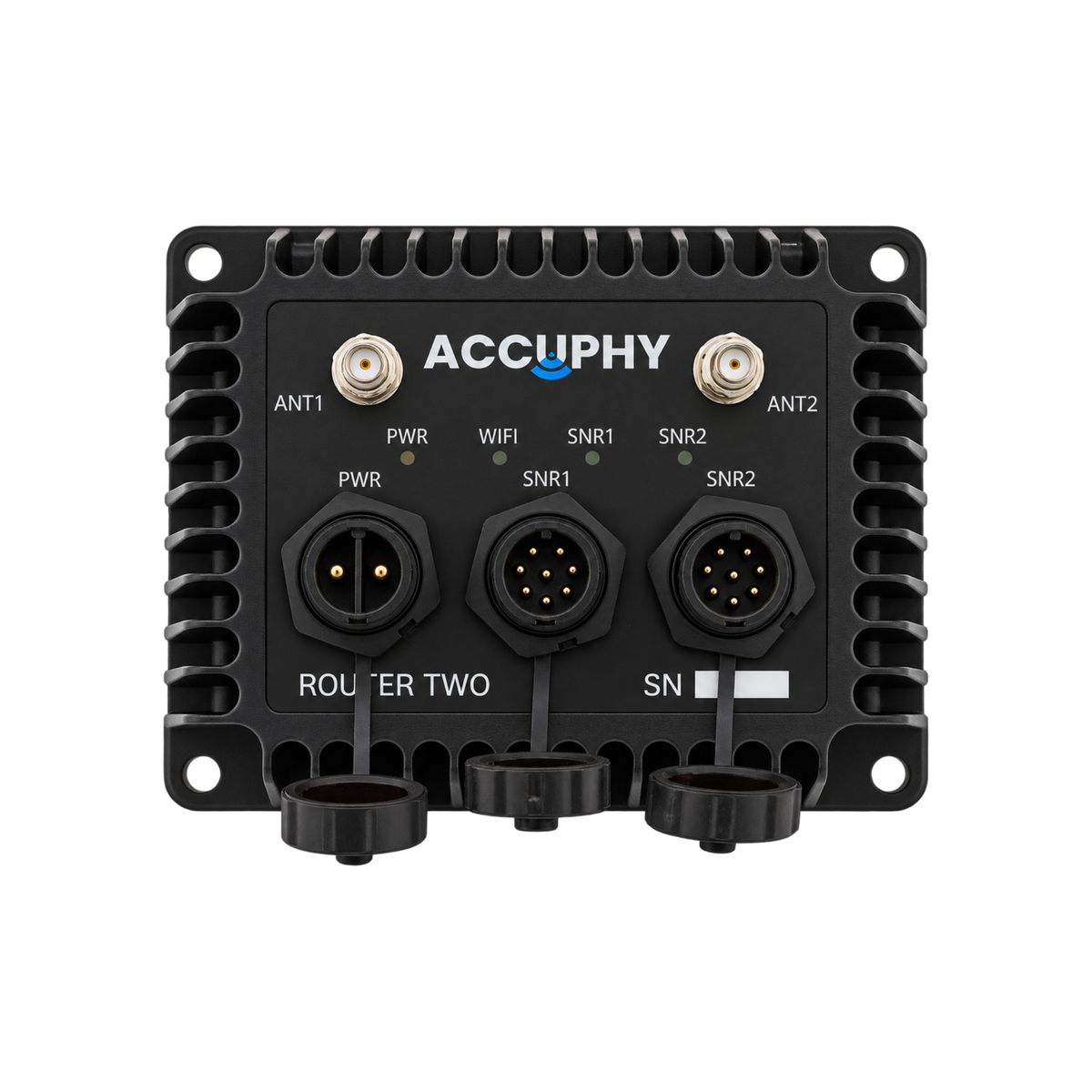
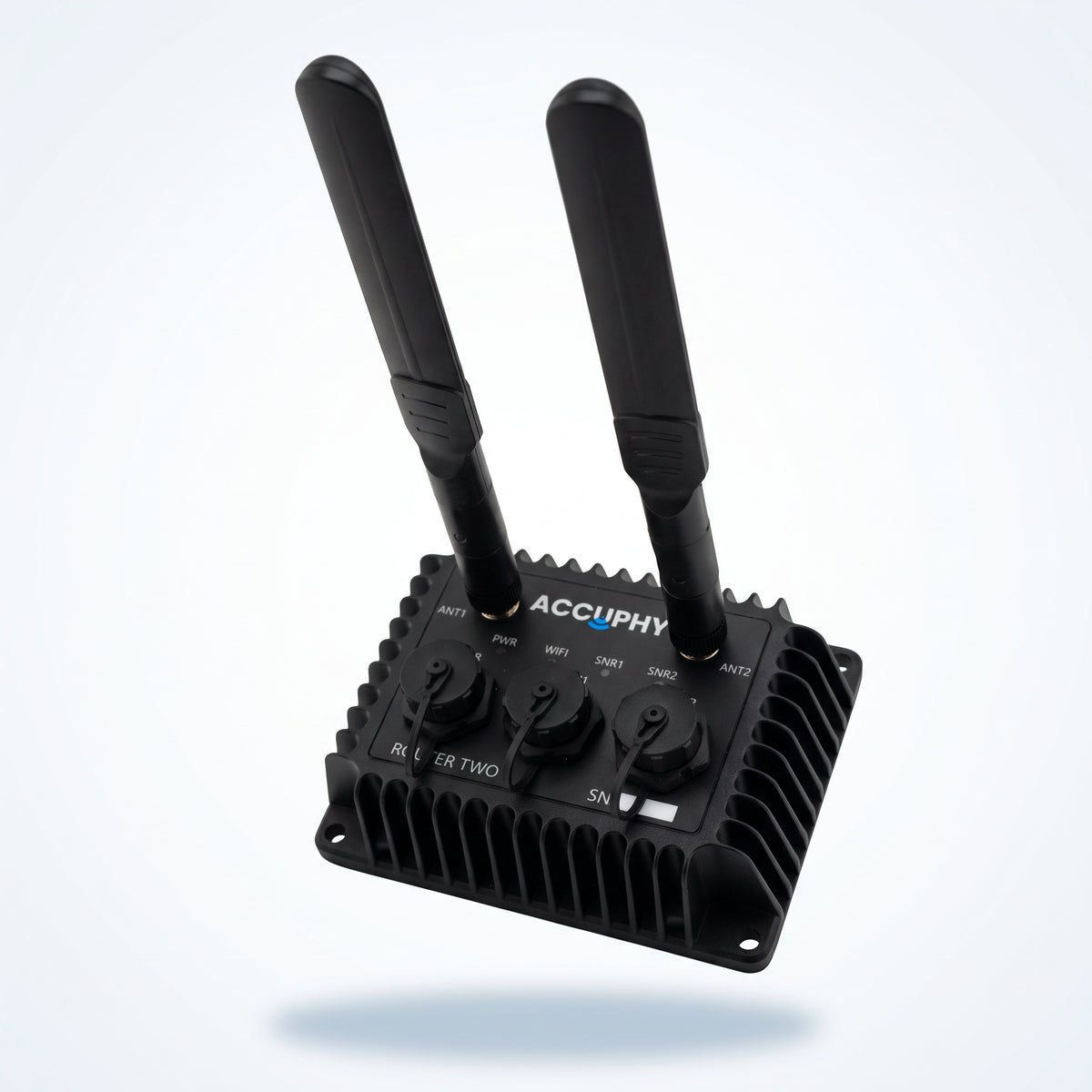

Wi-Fi Router Two
Two Transducers.
One Screen.
Real-time · 5.8 GHz Wi-Fi · 100 ft Range · Dual Connection


Try The Accuphy Sonar App
Free to download, no subscription fee


Router Two vs Router One

Router Two |

Router One |
|
|---|---|---|
| Dimensions | 11 × 8.6 × 3.7 cm | 8.8 × 5.7 × 3.2 cm |
| Weight | 0.52 kg (with cable) | 0.12 kg |
| Temperature range | −20 °C to 40 °C | −20 °C to 40 °C |
| Transducer ports | 2 | 1 |
| Power input | 11–30 V DC | 10–18 V DC |
| Power usage | 3.5 W typical, 7 W max | 2.5 W typical, 5 W max |
| Frequency | 5.8 GHz | 5.8 GHz |
| Effective Range | 100 ft | 70 ft |
| Wi-Fi modes | IEEE 802.11 n/ac | IEEE 802.11 n/ac |
| Overcurrent protection | 9 A resettable fuse | Not built in |
Frequently Asked Questions
Additional FAQs are available
How do I connect my phone or tablet?
Power on the router, connect your sonar transducer(s), and open your device's Wi-Fi settings. Select Accuphy_RT2_xxxx, enter the Wi-Fi password from the Router Two user manual, and launch the Accuphy Sonar app.
The Wi-Fi network typically becomes available within 45–60 seconds after powering on.
What power supply is required?
The Router Two operates on an 11–30 V DC power supply with a minimum current capacity of 8 A. It consumes approximately 3.5 W during typical operation and up to 7 W maximum, excluding connected transducers.
Where can I download the app?
The Accuphy Sonar app is available through the Apple App Store and Google Play Store. Keep the app updated to the latest version for the best experience with your Accuphy sonar system.
Where can I get support?
Email: support@accuphy.ca
Form: Fill out the contact form from Help & Support